Build an Application
Learn how to configure and trigger an application build in the Quickintegration platform.
Prerequisites
- An active Quickintegration project with configured endpoints or workflows.
Build Steps
- Navigate to Execute > Build.
- Under the Applications tab, choose your project type:
- Integration (Default)
- MCP
- Agentic
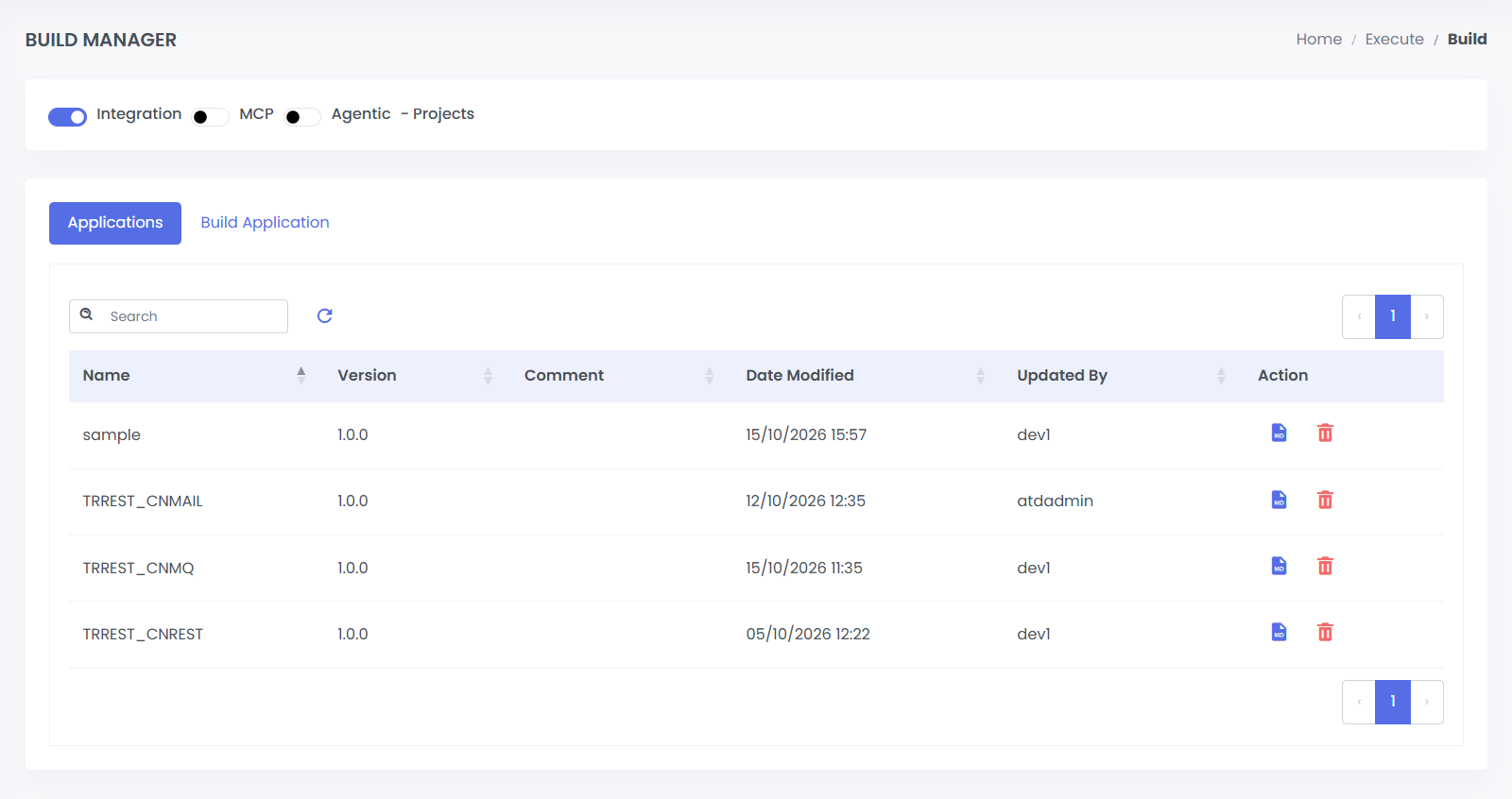
- Select the Build Application tab.
- From the Project Name dropdown, select the target application.
- Configure the build parameters:
- Version: Enter a semantic version (default:
1.0.0). - Comment (Optional): Add release notes or a description for this build.
- Maintainer (Optional): Specify the author or owner responsible for the build.
- Version: Enter a semantic version (default:
- Click Build Application to initiate the build process.
note
The application build process may take a few minutes to complete depending on project size and dependencies.
Next Steps
Once the build completes successfully:
- To view Readme:
- Return to the Applications tab.
- Locate your target application in the table.
- Click the File button in that application's row to review build documentation.
- Proceed to deployment via the Deploy panel.