Getting Started
Welcome to QuickIntegrate, where you can deliver APIs Quickly. Do not worry if this is your first time using QuickIntegration, this tutorial will walk you through step by step on how to Define, Develop, Execute, and Manage To create API using QuickIntegration, Your first Quickintegration Application in just a few minutes! Lets begin to Execute
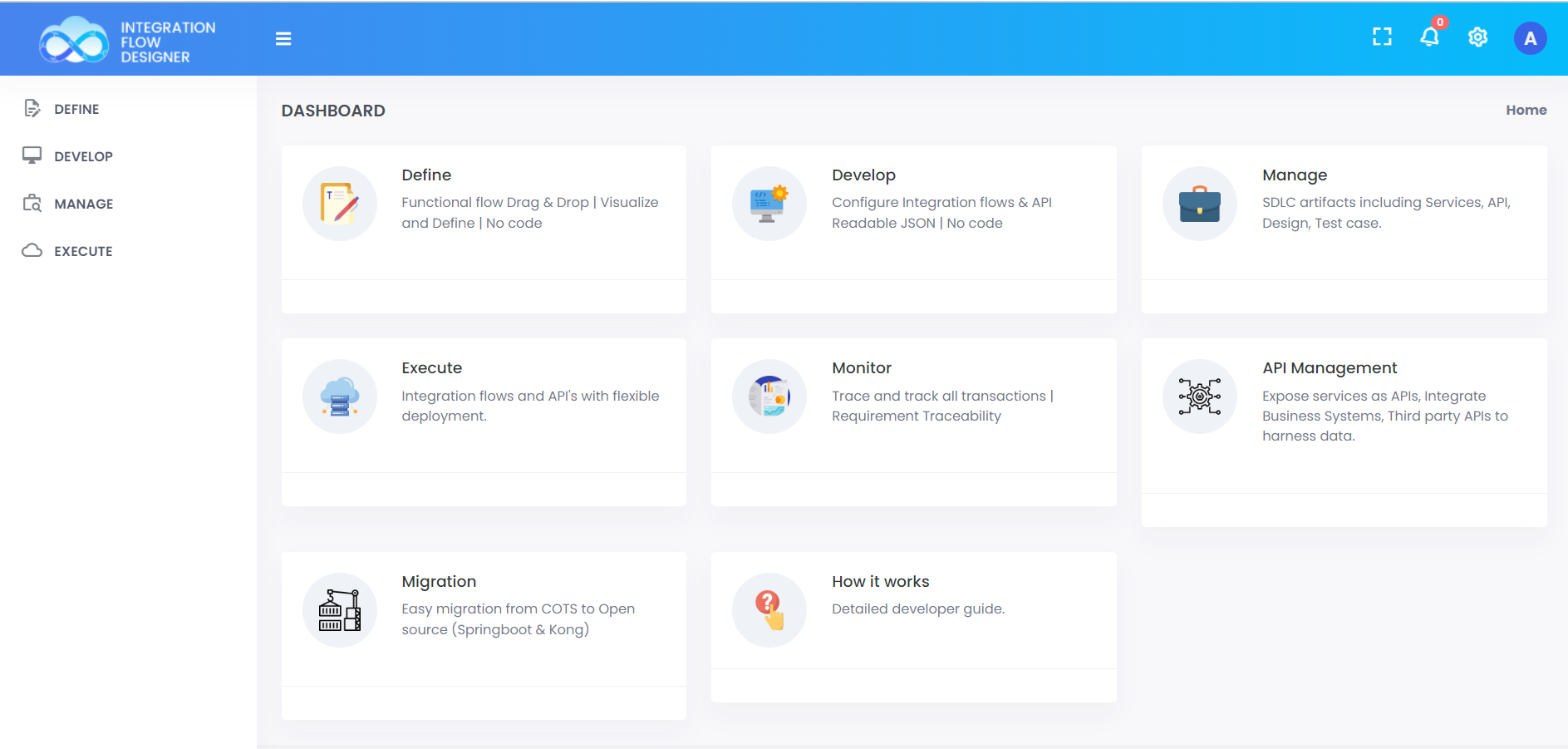 ;
;
Jump-start your QuickIntegrate journey
Developers love using Quickintegrate to develop APIs quickly. Explore the examples below to see how easy it is to get started, lets Build your first API in 10 minutes with a step-by-step tutorial.
📄️ Register Account in quickintegrate
Jumpstart your integrations with quickintegrate to create your Service with Define, Develop, Manage, Execute, Test, Monitor your API
📄️ Create Your first hello world API
Develop a Hello World REST API on quick integration platform which will accept a GET request and return below message as a response:
📄️ Build a CURD API using SFDC Contact table from Start to Finish
Develop a SFDC Contact API on quickintegrate platform which will support Create/Retrieve/Update/Delete operation on Contact object in Salesforce.
📄️ Postal details Rest API Design Document
Create a REST API which will accept customer id ID as query parameter.
📄️ Configure gateway using OneClick.
Apply proxy to your services with features like Authentication, Security, Traffic Control and much more.