UTILITIES
Step 1:
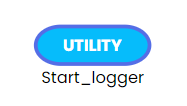
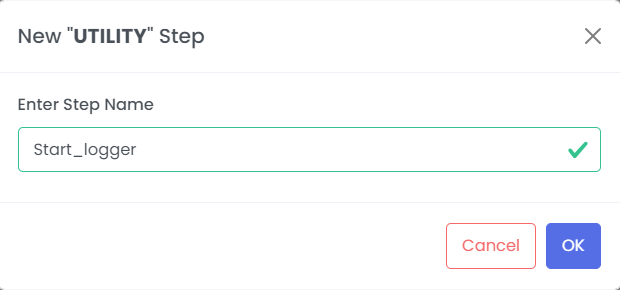
Drag and drop the UTILITIES
 ;
;
 ;
;
Step 2:
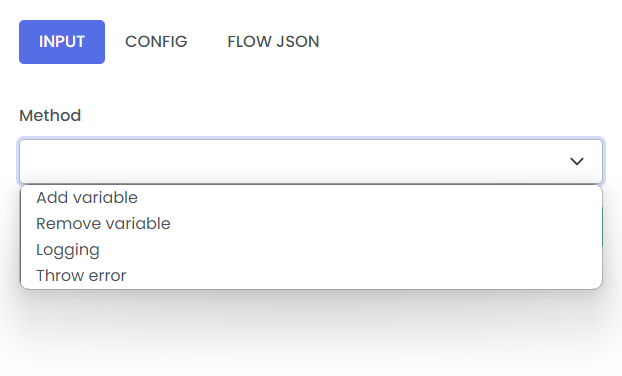
Left click on UTILITIES Transformer, you can define the configration
Method
- Add variable
- Remove variable
- Logging
- Throw error
 ;
;
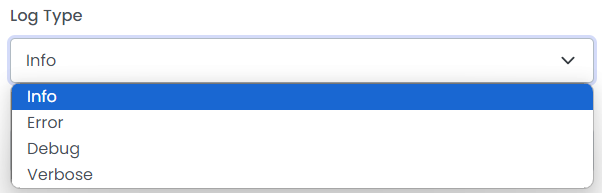
Log Type
- Info
- Error
- Debug
- Verbose
 ;
;
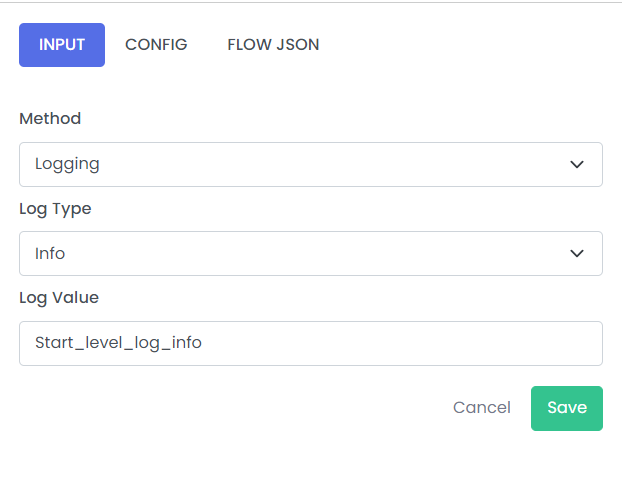
Example 1:
Method - Logging
Log type - Info
 ;
;
| Fields | Description | Example |
|---|---|---|
| Method | Define the patter of methods | Logging |
| Log Type | Define the type of log | Info |
| Log Value | Content to be logged | Start_level_log_info |
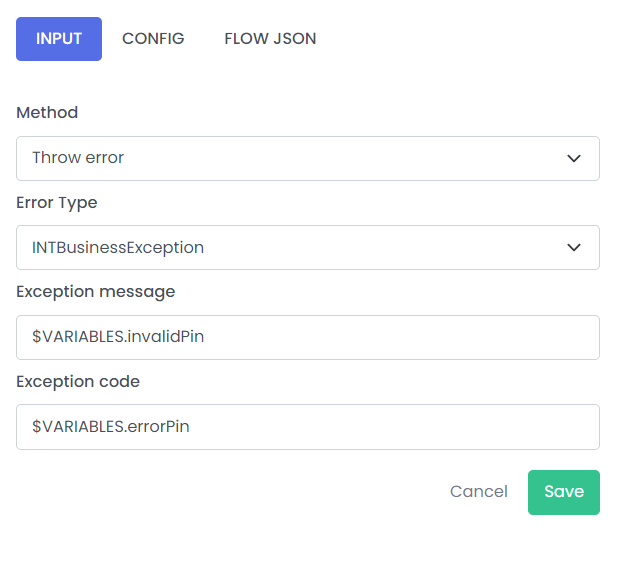
Example 2:
Method - Throw error
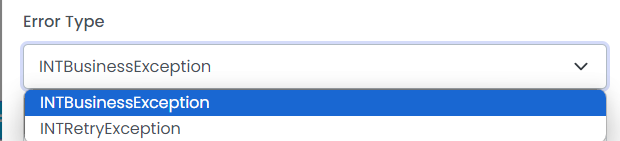
ErrorType - INTBusinessException
 ;
;
 ;
;
| Fields | Description | Example |
|---|---|---|
| Method | Define the patter of methods | Throw error |
| Error Type | Type of error which you want to catch | INTBusinessException |
| Exception message | Description or cause of error | $VARIABLES.invalidPin |
| Exception code | Code of Exception | $VARIABLES.errorPin |
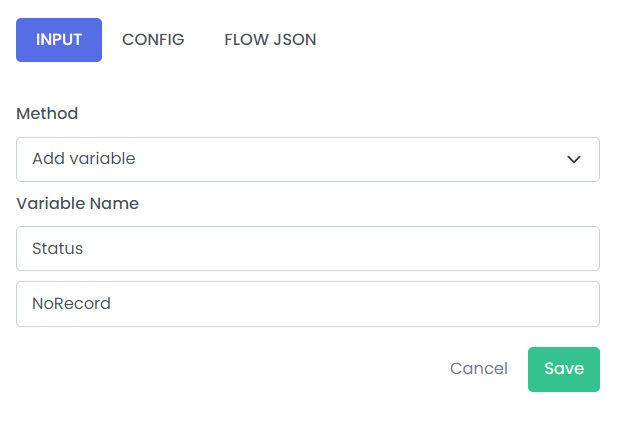
Example 3:
Method - Add variable
 ;
;
| Fields | Description | Example |
|---|---|---|
| Method | Define the patter of methods | Add variable |
| Variable Name | Name of variable | Status,NoRecords |
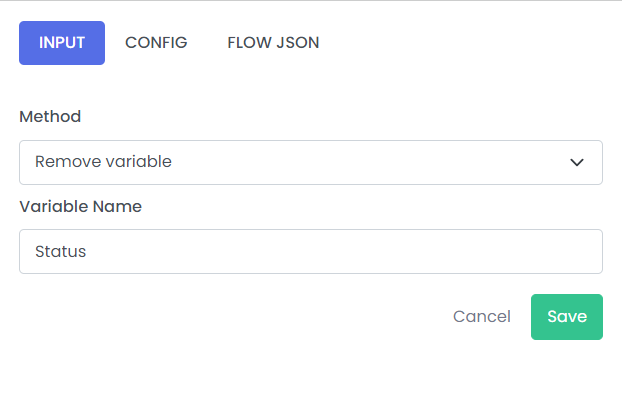
Example 4:
Method - Remove variable
 ;
;
| Fields | Description | Example |
|---|---|---|
| Method | Define the patter of methods | Remove variable |
| Variable Name | Name of variable | Status |