Canvas operations
Manage flow services like saving, deleting, validating and much more.

Supported features
Save
Save flow services to persist the changes.
Validate Flow
Validate the current flow service to ensure all componets are correctly configured.
Connection Properties
In terms of integration within the iPASS platform, the connection configurations are centralized within connection properties across all environments. Add connection properties for the specific nodes.
Global Variables
Add global variables which will be accessible to the flow service.
Resources
Add any resource file that will be used by the service. You can add JSON, stylesheet file and template files.

Configuration
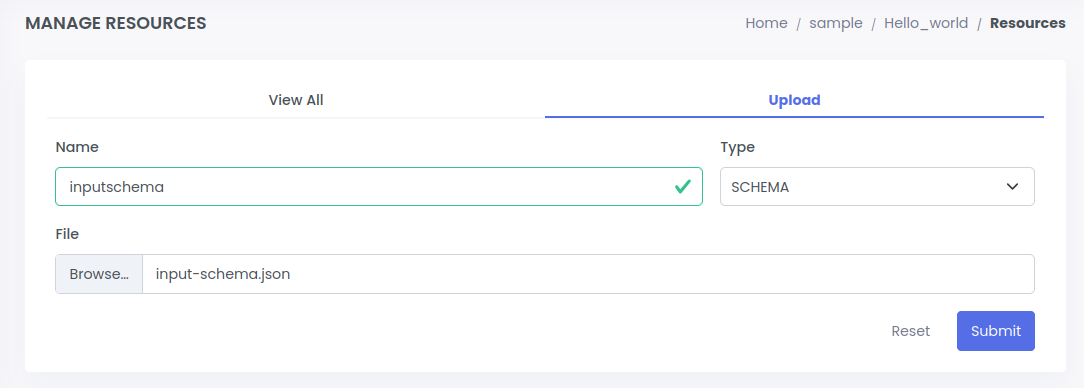
- Select the resource button
- Select the upload section
- Add name, select schema type and the file to upload
- Schema type:
- SCHEMA: for JSON files
- STYLESHEET: for XML and CSV files
- TEMPLATE: for FLAT files
- Schema type:
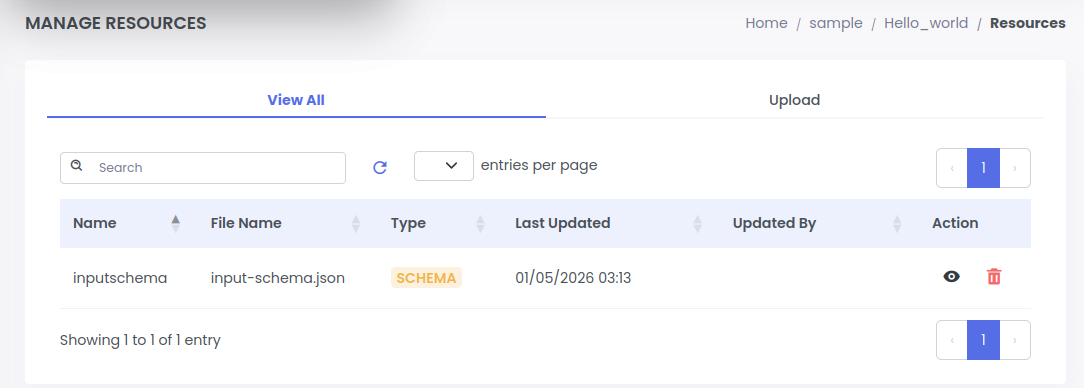
- Click Submit button
View
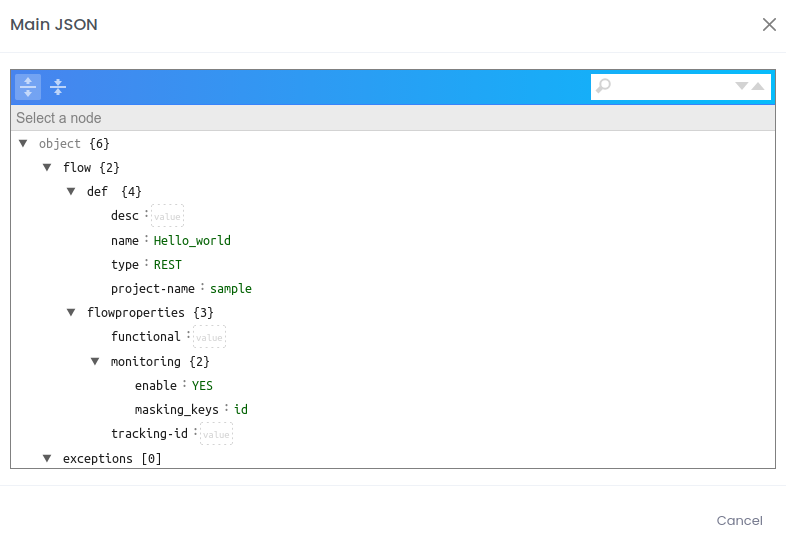
Use this button to show the service in main JSON format. This file defines the service you create.

Delete
Delete the flow service permanently.